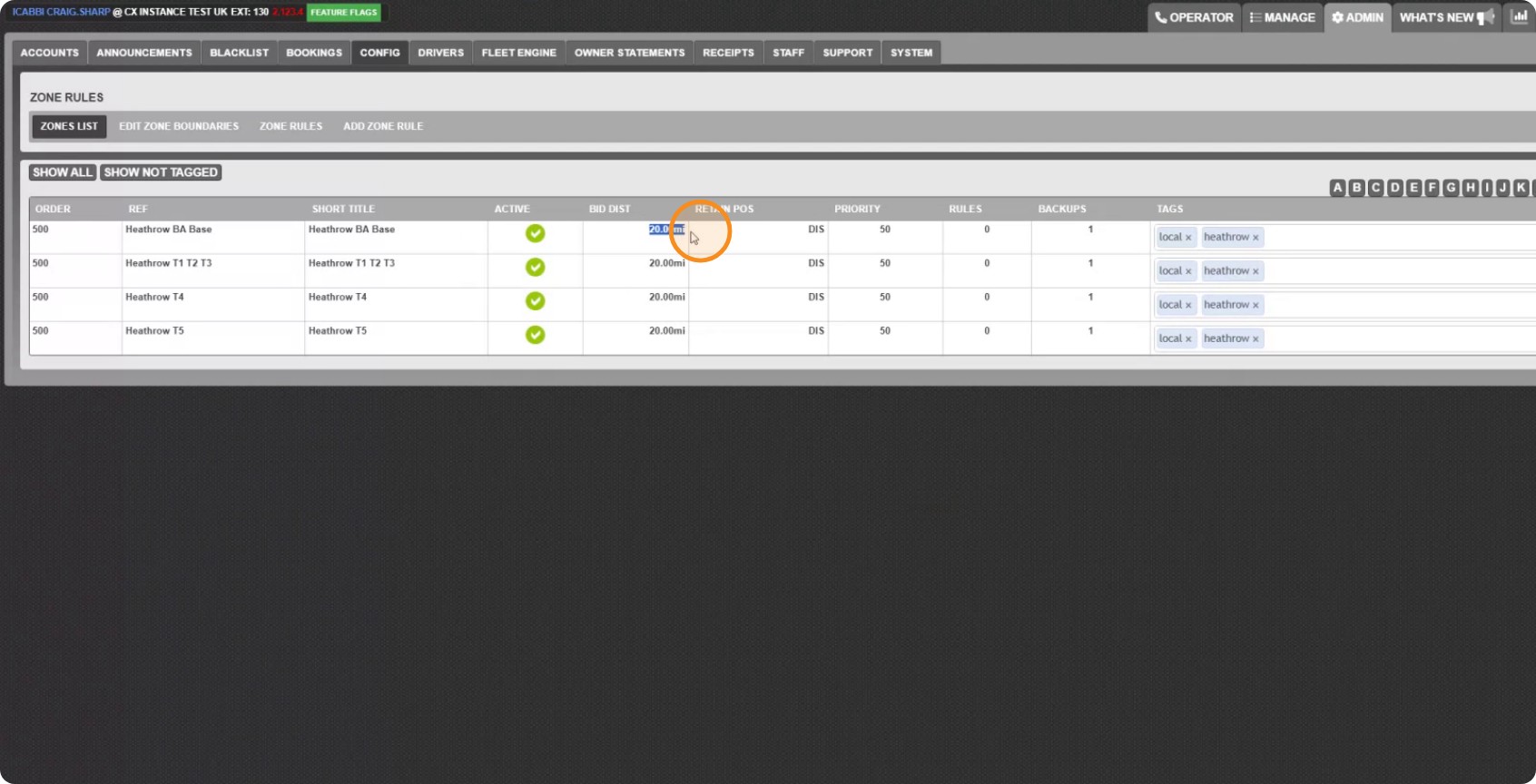

Update zone settings in bulk
Change the same setting across many zones at once, instead of opening them one at a time. Anything you do not tick is left exactly as it was.
Step 1: Open the tool
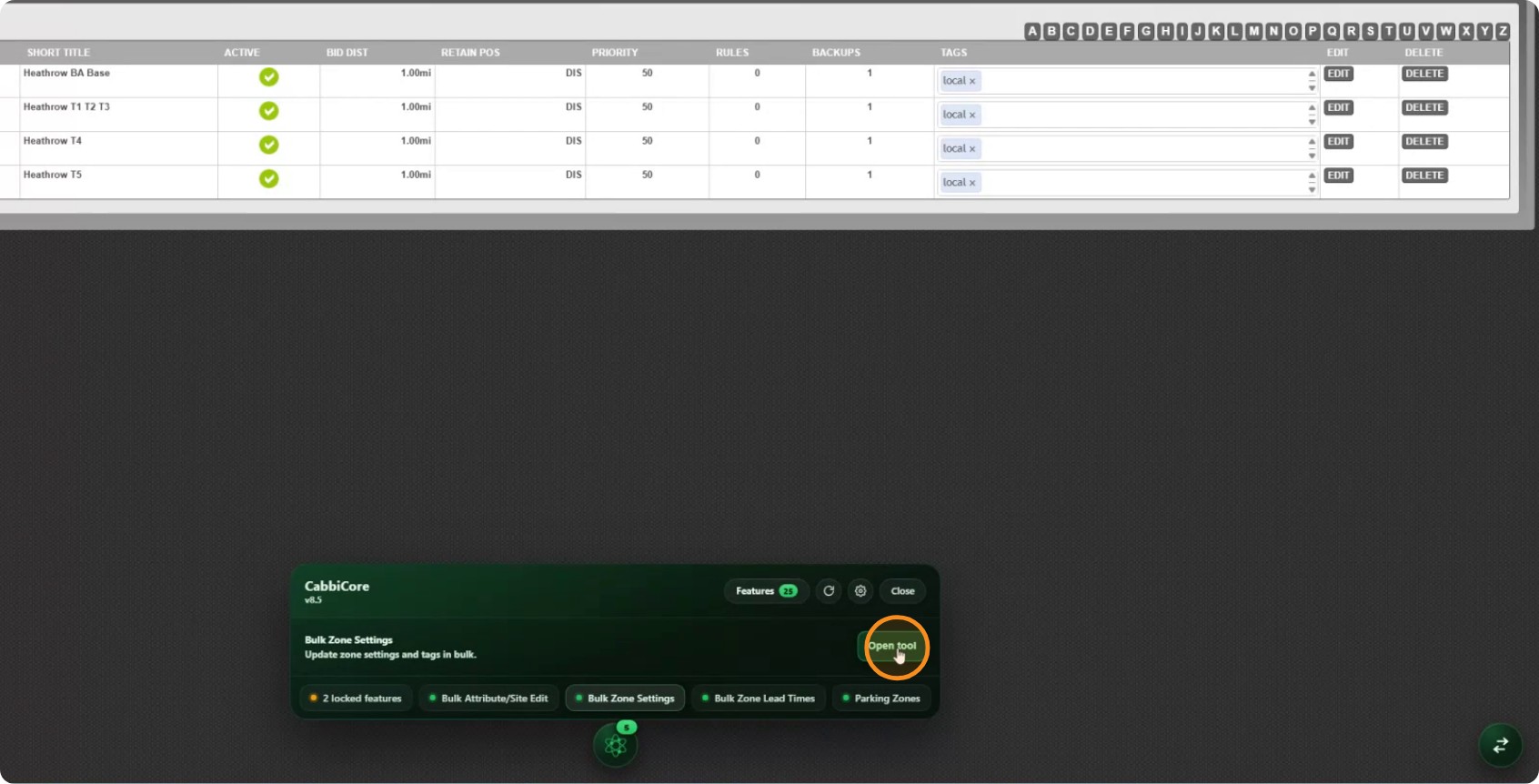
Open the CabbiCore console on the zones page, find Bulk Zone Settings and click Open tool.
Step 2: Pick the zones
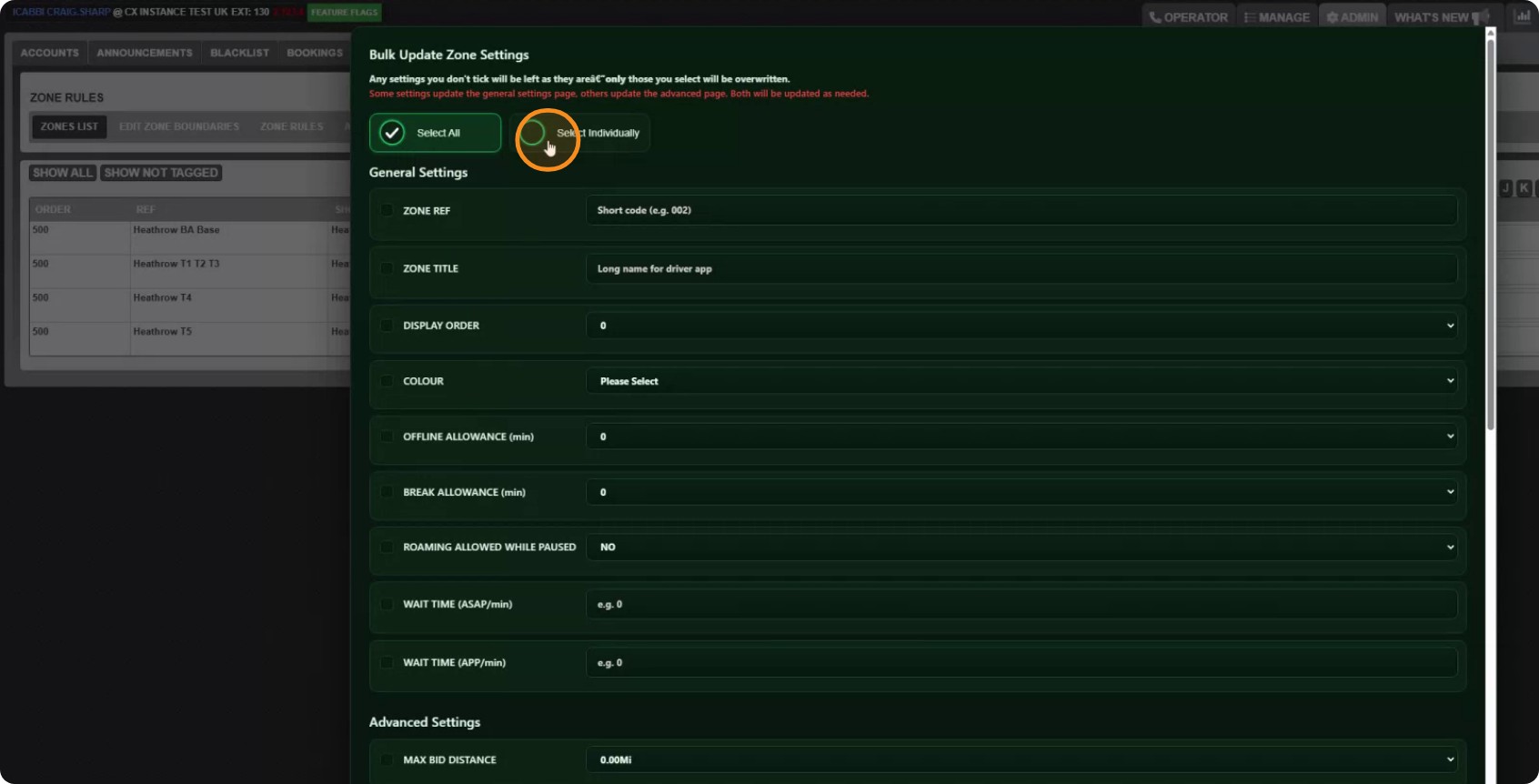
You can tick every zone at once, or pick them out individually.
Step 3: Narrow the list down
Type into the filter box to search by zone name, reference or tag, then click Filter. Show All brings the full list back.
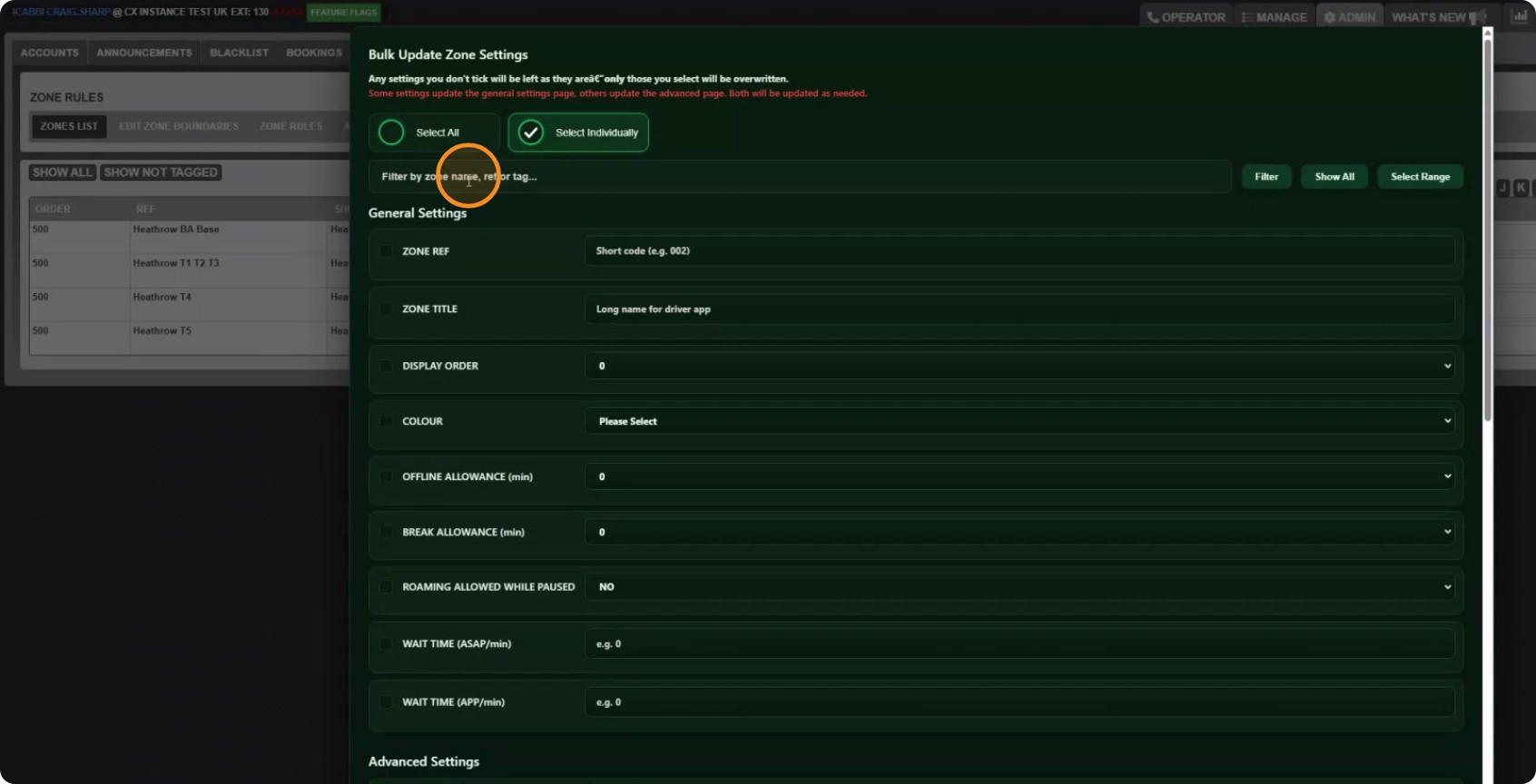
To grab a run of zones in one go, click Select Range first, then click the first zone and the last zone you want. Everything between them is selected.
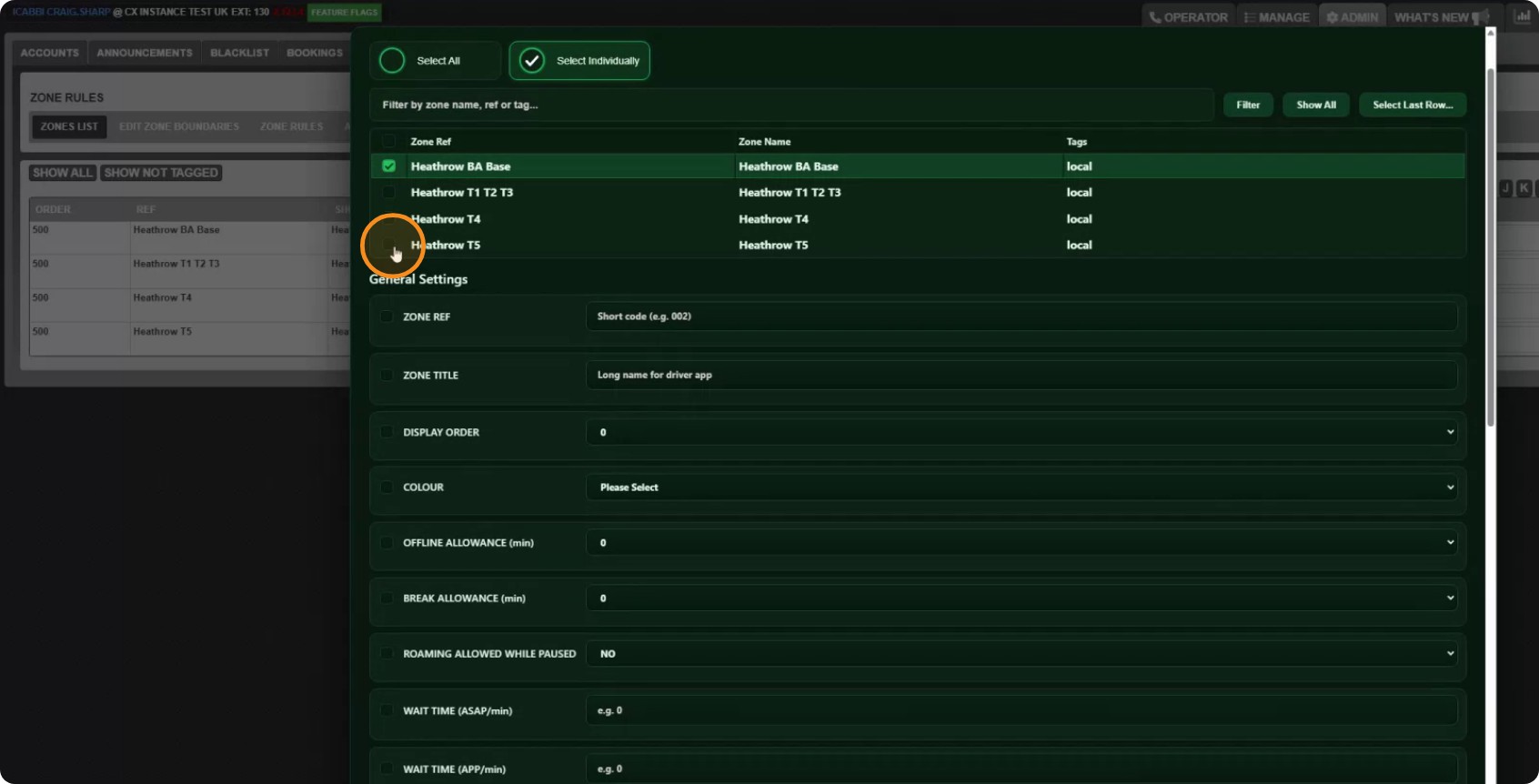
In this example we have filtered to the Heathrow zones and selected all of them.
Step 4: Tick only what you want to change
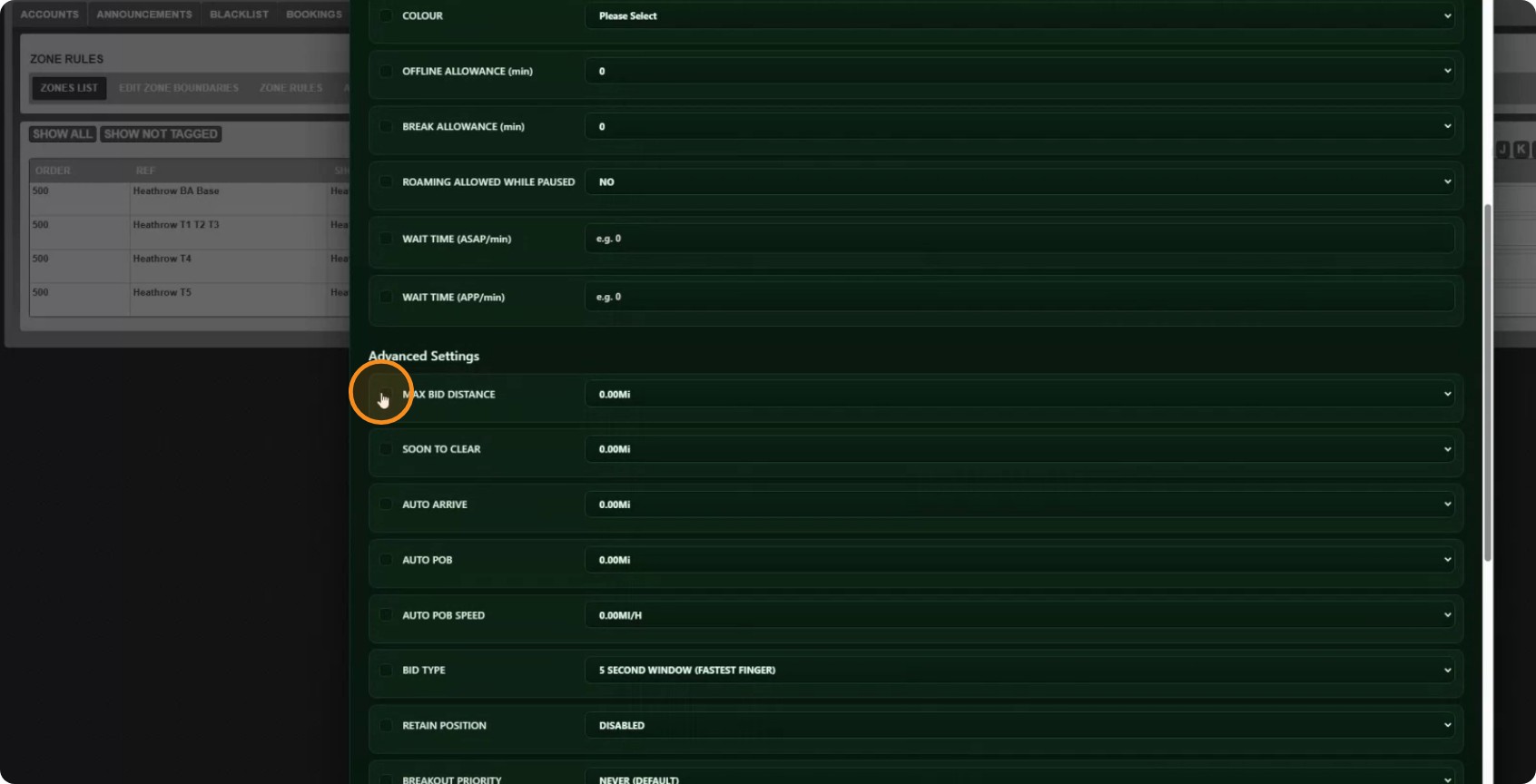
Every setting has a tick box on the left. Tick a setting and it will be changed on every zone you selected. Leave it unticked and it is not touched.
That is the important thing to understand about this tool: unticked does not mean "set to empty", it means "leave alone".
Here we are changing Max Bid Distance, setting it to 20 miles.
Step 5: Add a zone tag at the same time
You can make more than one change in a single run. Here we are also applying a zone tag.
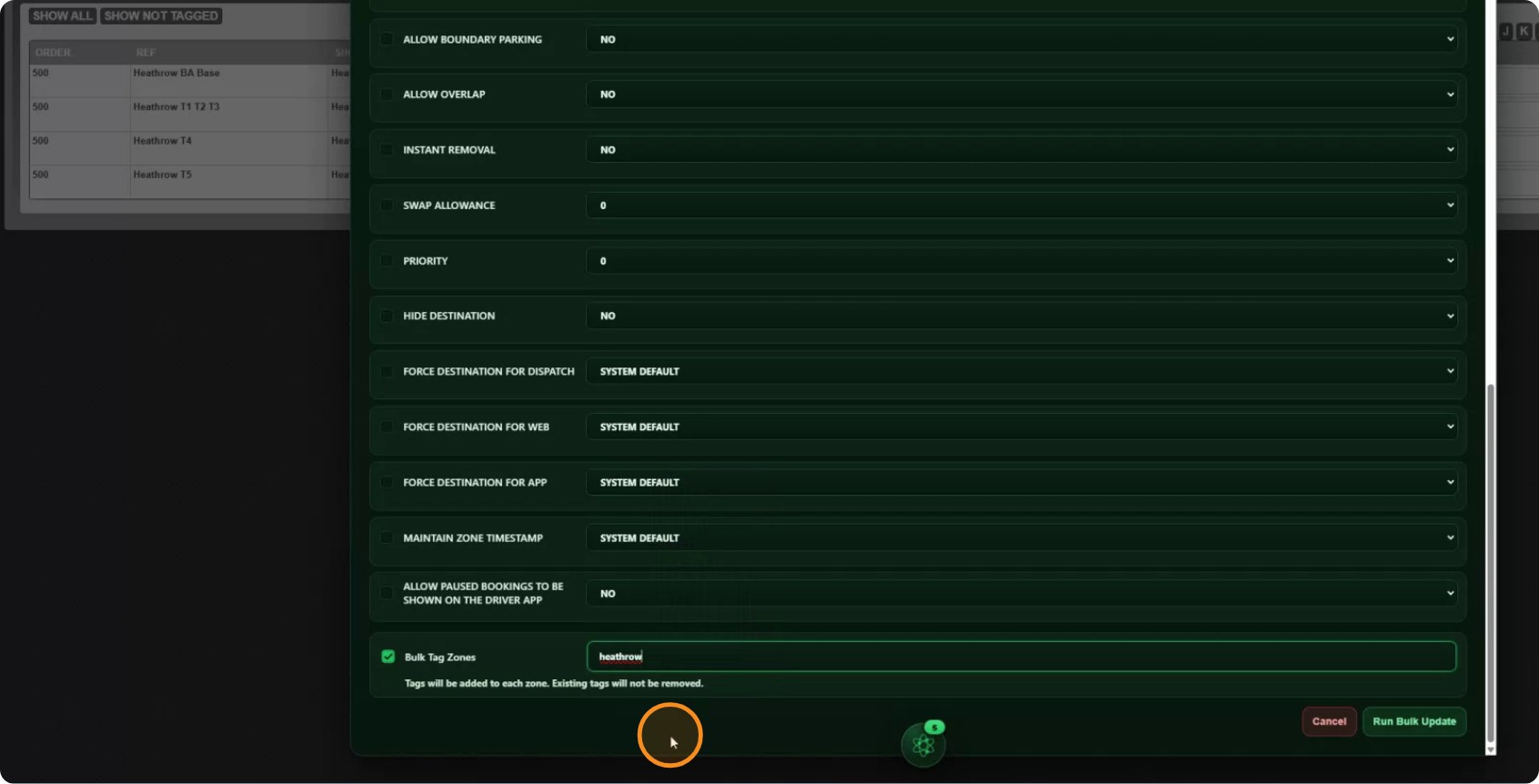
We have picked the Heathrow tag.
Step 6: Run it
Check the zones you have selected and the settings you have ticked, then click Run Bulk Update.
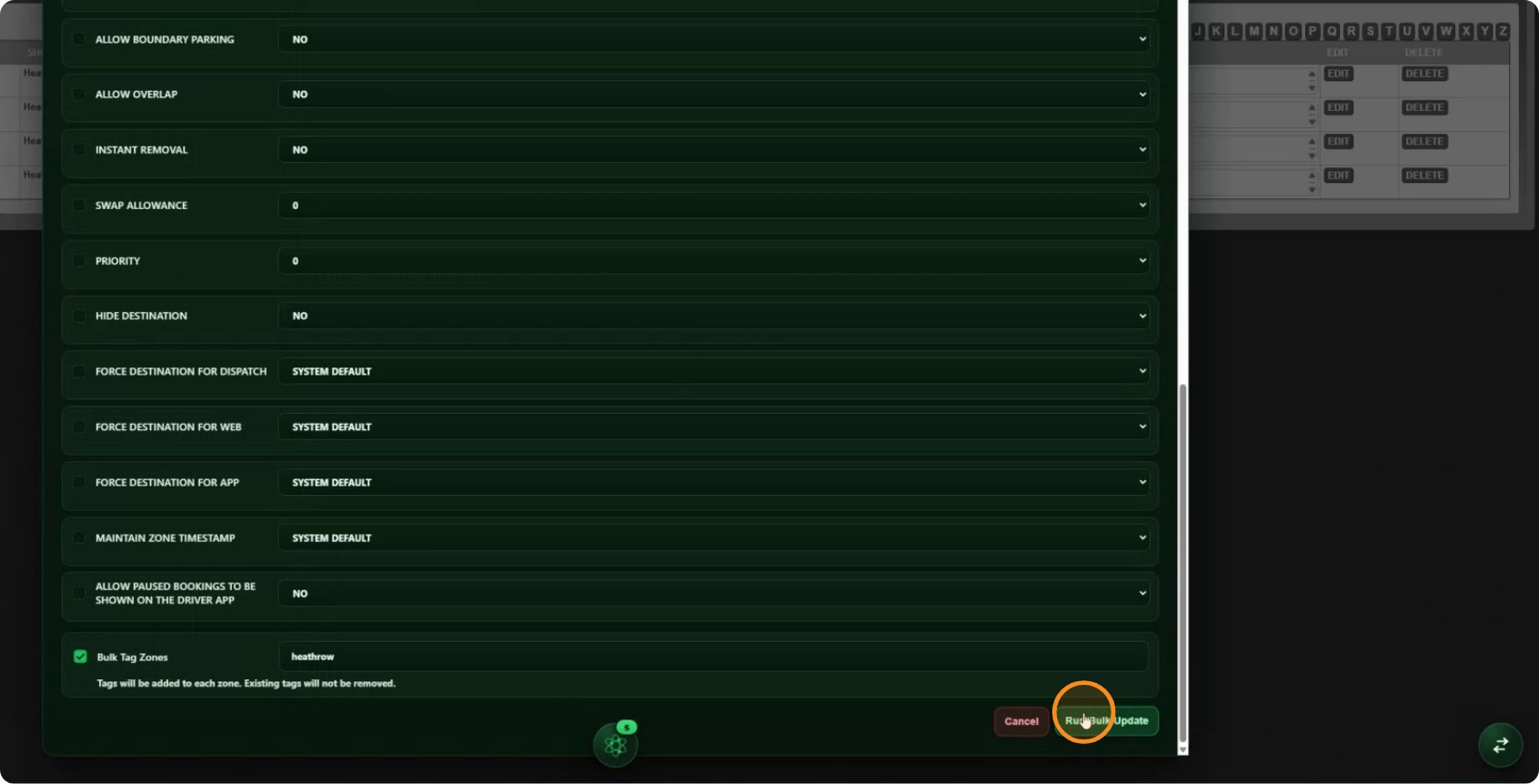
CabbiCore works through the zones one at a time and shows you how it is getting on. Leave the window open until it finishes.
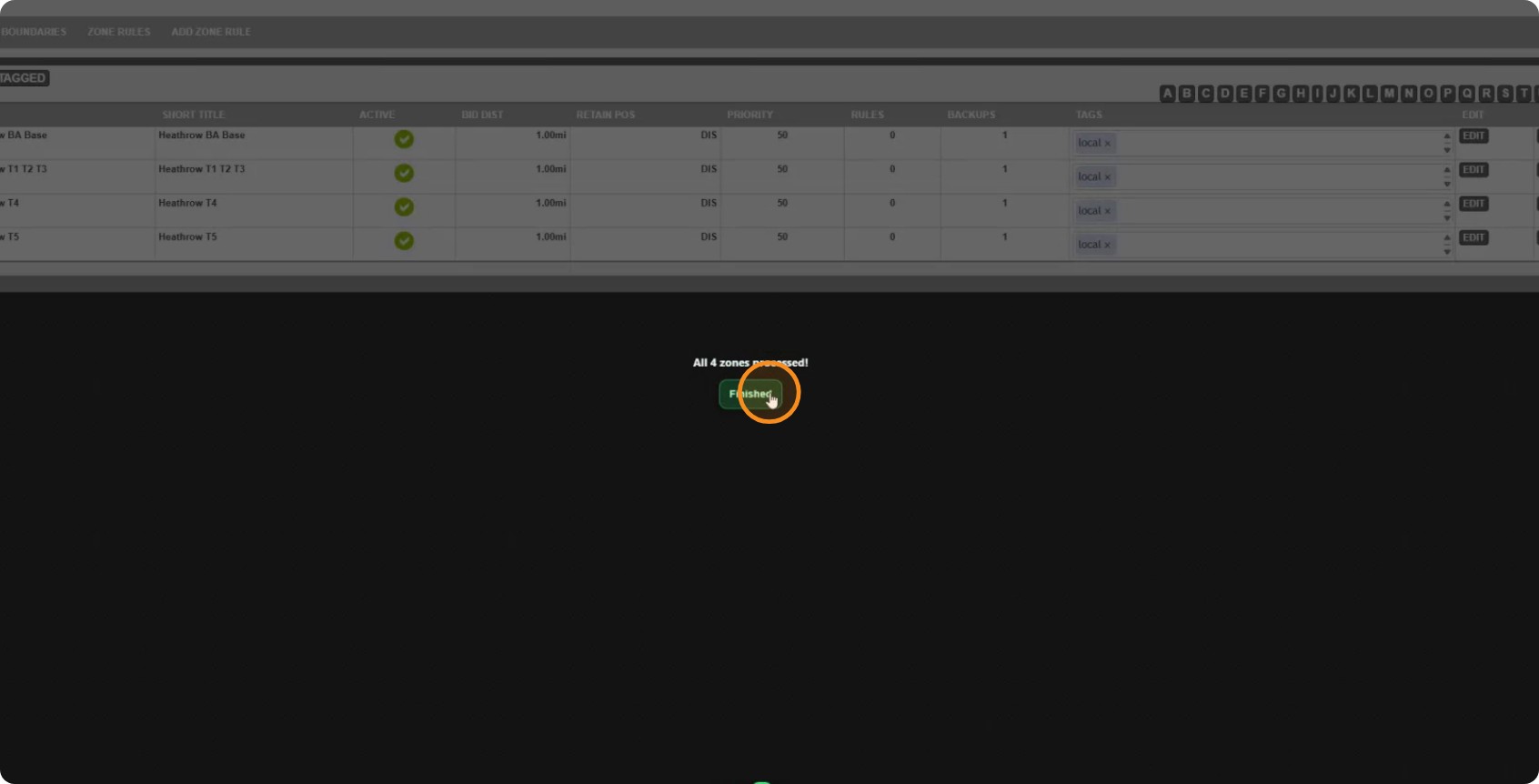
Step 7: Check the result
Open one of the zones you changed. You should see the new Max Bid Distance of 20 miles and the Heathrow tag — and everything else exactly as it was.